

Home automation Raspberry Pi projects let you control lights, appliances, cameras, and sensors from one low-cost device. Instead of buying expensive smart hubs, you can build a flexible system yourself. This guide explains what to build, how to set it up, and how to scale it safely.
Most people want a smarter home but hesitate because commercial systems feel expensive, locked down, or complicated. A Raspberry Pi solves that problem. It works as a customizable automation server that runs 24/7 and integrates with thousands of devices.
The real advantage is control. You decide which sensors to add, which apps to connect, and which automations run locally without cloud dependence. That improves privacy, reliability, and cost efficiency.
This guide walks through everything step by step. You’ll learn what hardware to choose, how to install automation software, and how to create your first working smart-home routines.
What is home automation with Raspberry Pi?
Snippet Answer: Home automation with Raspberry Pi means using a small, low-cost computer as a central controller to automate lights, sensors, security devices, and appliances. It runs software like Home Assistant, connects to Wi-Fi or Zigbee devices, and enables remote control, scheduling, and voice automation without expensive hubs.
Answer Block: Home automation Raspberry Pi systems use the Pi as a central smart-home server that connects sensors, switches, cameras, and assistants into one dashboard. It enables scheduling, remote control, automation rules, and local processing without depending on proprietary ecosystems or subscription-based cloud hubs.
Traditional smart homes rely on multiple apps and hubs. One brand controls lights. Another controls cameras. A third controls thermostats. This creates fragmentation and limits automation logic.
A Raspberry Pi removes those limitations by acting as a universal controller. With software like Home Assistant or OpenHAB, it integrates devices from multiple manufacturers into one interface.
Instead of switching apps, you manage everything from a single dashboard. That dashboard works on desktop, tablet, or smartphone.
Another advantage is automation flexibility. You can create rules such as:
- Turn lights on when motion is detected
- Switch off fans when windows open
- Send alerts when doors unlock unexpectedly
- Activate cameras when nobody is home
This level of automation usually requires premium hubs. Raspberry Pi delivers it at a fraction of the cost.
Why should you use Raspberry Pi for smart home automation?
Answer Block: Raspberry Pi is ideal for smart home automation because it is affordable, energy efficient, customizable, and compatible with open-source platforms. It supports local control, improves privacy, integrates multiple device protocols, and eliminates dependence on expensive subscription-based smart home ecosystems.
Commercial automation hubs often limit device compatibility. They also rely heavily on cloud processing. That creates reliability risks if internet access fails.
Raspberry Pi solves both problems.
First, it supports local automation logic. That means routines continue working even when your internet connection drops.
Second, it supports multiple communication standards including:
- Wi-Fi
- Zigbee
- Z-Wave
- Bluetooth
- MQTT
This allows integration with thousands of smart devices.
Third, Raspberry Pi consumes very little power. It runs continuously without increasing electricity costs significantly.
Finally, the open-source ecosystem ensures continuous improvements. Developers worldwide add integrations regularly.
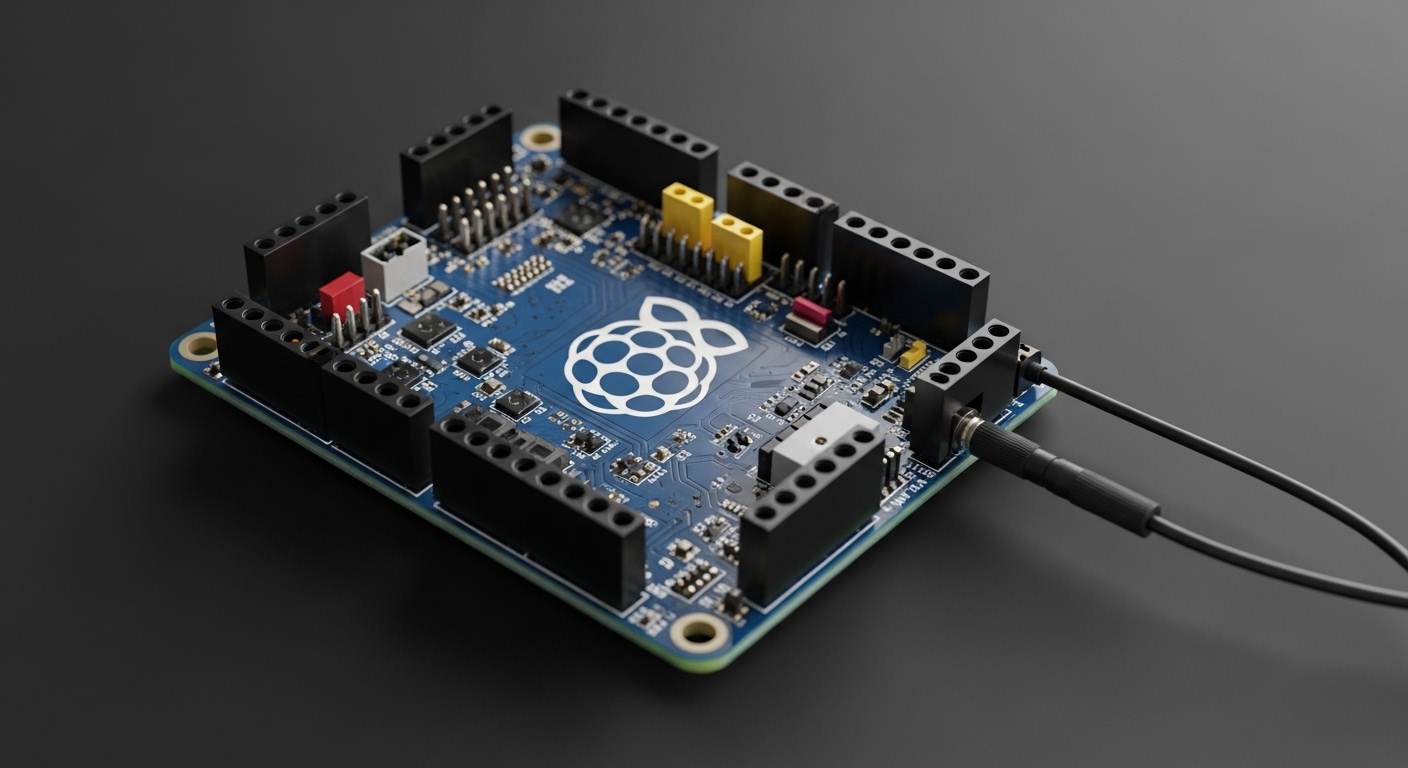
What hardware do you need for Raspberry Pi home automation?
Answer Block: A Raspberry Pi smart home setup requires a Raspberry Pi board, microSD card, stable power supply, automation software, internet connection, and optional modules like Zigbee USB dongles, sensors, relays, or cameras depending on automation goals and device compatibility requirements.
Before installing automation software, selecting proper hardware ensures system stability.
| Component | Purpose | Recommended Option |
|---|---|---|
| Raspberry Pi | Main automation controller | Raspberry Pi 4 (4GB RAM) |
| MicroSD Card | Stores operating system | 32GB Class 10 |
| Power Supply | Provides stable voltage | Official Pi adapter |
| Zigbee Dongle | Connects Zigbee devices | USB Zigbee coordinator |
| Relay Module | Controls appliances | 2-channel relay board |
| Motion Sensors | Detect activity | PIR sensor |
Choosing Raspberry Pi 4 ensures smooth automation performance.
Older models work, but automation dashboards load slower. Integrations also respond slower during peak automation tasks.
If you plan to add cameras or voice assistants later, higher RAM versions improve performance significantly.
How do you install Home Assistant on Raspberry Pi?
Answer Block: Install Home Assistant on Raspberry Pi by downloading the Home Assistant OS image, flashing it to a microSD card using Balena Etcher, inserting the card into the Pi, powering the device, and accessing the dashboard through a browser interface after initialization completes.
Home Assistant is the most popular Raspberry Pi automation platform.
It supports thousands of integrations and receives regular updates.
Follow these steps carefully:
- Download Home Assistant OS image
- Install Balena Etcher
- Flash image to microSD card
- Insert microSD into Raspberry Pi
- Connect Ethernet or Wi-Fi
- Power the device
- Open dashboard in browser
Initial setup takes around 15 minutes.
After installation, Home Assistant automatically detects many smart devices already connected to your network.
You can immediately start building automations using its visual editor.
Advanced users can also install add-ons like:
- Node-RED automation engine
- MQTT broker
- Zigbee2MQTT
- ESPHome integration tools
These extensions expand automation possibilities significantly.
What projects can you build using Raspberry Pi home automation?
Answer Block: Raspberry Pi automation projects include smart lighting systems, security monitoring dashboards, climate control automation, voice assistant hubs, energy tracking systems, and appliance scheduling solutions that reduce power consumption and improve safety through centralized device control.
Starting with small projects builds confidence before expanding into advanced automation networks.
Popular beginner projects include:
- Automatic light switching with motion sensors
- Smart door monitoring alerts
- Scheduled appliance shutdown routines
- Remote camera viewing dashboards
Intermediate users often add:
- Temperature-controlled fan systems
- Smart irrigation automation
- Energy consumption tracking panels
- Voice assistant integration
Advanced users build complete automation ecosystems.
Examples include multi-room lighting coordination, occupancy detection logic, and predictive automation using sensor patterns.
Because Raspberry Pi supports scripting and APIs, automation possibilities expand continuously.
How secure is Raspberry Pi home automation?
Answer Block: Raspberry Pi home automation is secure when configured correctly with strong passwords, encrypted remote access, firewall protection, regular updates, and local network isolation. Using VPN connections instead of open internet exposure significantly reduces security risks for smart home deployments.
Security is one of the most overlooked automation topics.
Many users expose dashboards directly to the internet. That increases vulnerability.
Instead, follow these best practices:
- Enable HTTPS encryption
- Use strong admin passwords
- Install system updates regularly
- Disable unused integrations
- Access remotely using VPN only
Another effective strategy is network segmentation.
Place smart devices on a separate router network from your personal computers. That prevents attackers from accessing sensitive data if a device becomes compromised.
Local automation already improves security compared to cloud-dependent smart home hubs.
How much does Raspberry Pi home automation cost?
Answer Block: Raspberry Pi home automation typically costs between $80 and $200 depending on sensors, relay modules, communication dongles, and accessories. It remains significantly cheaper than commercial smart home hubs while offering greater customization and long-term scalability without subscription fees.
Cost depends on automation goals.
A basic setup includes:
- Raspberry Pi board
- Power adapter
- MicroSD storage
This entry-level configuration supports dashboard automation immediately.
Adding Zigbee devices increases flexibility but also raises cost slightly.
Even advanced setups usually cost less than branded automation ecosystems.
Most importantly, there are no recurring subscription charges.
This makes Raspberry Pi automation ideal for long-term smart home deployments.
Can Raspberry Pi replace commercial smart home hubs?
Answer Block: Raspberry Pi can replace commercial smart home hubs by running platforms like Home Assistant that support thousands of integrations, automation scripting tools, voice assistants, and local processing features. It offers greater customization, lower cost, and improved privacy compared to proprietary smart hub ecosystems.
Commercial hubs simplify installation but restrict flexibility.
They often support limited automation logic and device compatibility.
Raspberry Pi removes those restrictions completely.
With Home Assistant installed, users can integrate:
- Google Assistant
- Amazon Alexa
- Zigbee sensors
- IP cameras
- Smart switches
- Energy monitors
Instead of relying on manufacturer updates, open-source automation platforms evolve continuously.
This ensures long-term reliability and compatibility.
For users willing to spend a little setup time, Raspberry Pi becomes a superior automation hub.
Conclusion: Should you build a Raspberry Pi smart home system?
Smart home automation often feels expensive and complicated at first. Many people assume they must buy branded ecosystems that lock them into specific devices.
Raspberry Pi changes that completely.
It provides a powerful automation controller at a low cost while supporting advanced automation logic and device integrations.
You gain privacy through local processing. You gain flexibility through open-source software. And you gain scalability because new sensors can be added anytime.
Most importantly, you stay in control of your automation environment.
If you want a customizable smart home that grows with your needs, Raspberry Pi is one of the most practical solutions available today.
Start with a Raspberry Pi 4, install Home Assistant, connect one sensor, and build your first automation routine today.
Frequently Asked Questions
Is Raspberry Pi powerful enough for home automation?
Yes. Raspberry Pi 4 provides enough processing power to run Home Assistant, manage sensors, control devices, and execute automation routines continuously without performance issues in most residential smart home environments.
Do I need coding skills for Raspberry Pi automation?
No. Platforms like Home Assistant include visual automation editors that allow beginners to create routines without programming knowledge, though scripting support exists for advanced customization.
Can Raspberry Pi control lights and appliances?
Yes. Raspberry Pi controls lighting systems and appliances using relay modules, smart switches, Zigbee devices, or Wi-Fi smart plugs integrated through automation platforms like Home Assistant.
Does Raspberry Pi automation work without internet?
Yes. Local automation rules continue running even when internet connectivity is unavailable, which improves reliability compared to cloud-dependent commercial smart home systems.
Which operating system is best for Raspberry Pi automation?
Home Assistant OS is the best choice for beginners because it installs quickly, supports thousands of integrations, and includes automation tools, dashboards, and add-ons in a single environment.
Can Raspberry Pi connect to Alexa or Google Assistant?
Yes. Raspberry Pi automation systems integrate with Alexa and Google Assistant using Home Assistant cloud services or manual configuration for voice-controlled smart home routines.
Is Raspberry Pi safe for long-term automation use?
Yes. When powered with a stable adapter, updated regularly, and protected using encrypted remote access methods like VPN connections, Raspberry Pi operates reliably as a long-term automation controller.